Taking it out of Auto
Learn how model selection in ChatGPT affects response quality, and why setting clear intent before you type leads to better results.
John Bennett
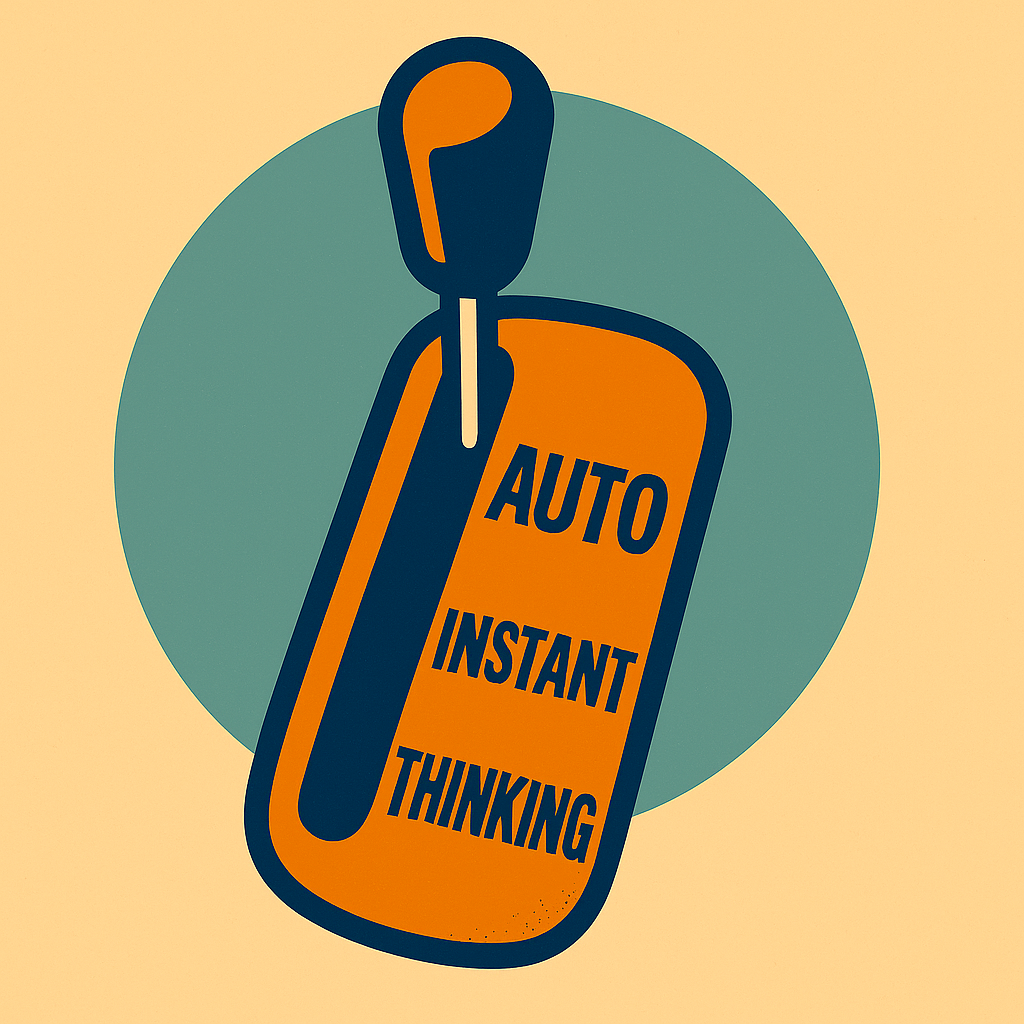
Back in the hazy deep history of the pre-ChatGPT 5 era (all those weeks ago!), most people with a paid ChatGPT plan spent their time unknowingly stuck in the ChatGPT 4o model. There were other options, but most people didn’t realise the selector was there.
Other people used o3, a deep-thinking model, for everything, regardless of whether it was necessary. I probably sat more in that camp.
Perhaps to address this, ChatGPT 5 paid plans now default to Auto. This switches between models as it sees fit. Instant is faster, responsive and good for exploration and drafts. Thinking takes longer to respond, but applies more reasoning and structure.
But like an automatic car that sometimes fails to appreciate the gear you need, or a clever camera stuck in Auto that doesn’t give you the blurred background you hoped for, Auto mode in ChatGPT is helpful but can only take you so far.
Intent starts before you type anything
When using the HAHAH Method, it’s essential to set out the human intent properly as a first step. But this can begin before you type.
Leaving the selector in Auto is definitely convenient, but you may find you get a superficial answer back to a complex question. Equally, you may find progress slow if the selector pushes your query in to thinking unnecessarily.
Taking control of the selector puts you in charge of the speed of response and the level of reasoning. Thinking about the type of response you want is a great first step in establishing your intent for the conversation.
Setting the scene for Thinking mode
A concept from Don’t Surrender Your Thinking that works well with model selection is iteration. You can run a series of human intent and AI draft cycles in Instant to build a clear understanding of what you are trying to achieve, and the steps needed to carry it.
Once you’re confident that the intent is clear, you can switch to Thinking to move forward to an AI draft of the output you are trying to achieve.
Moving to human intervention, you might switch back to Instant and work on a plan of how to improve the AI draft, before switching to Thinking again to produce the AI revision.
You can continue to switch models as you refine the work to a stage where you feel it’s complete and ready for you to take accountability for it.
If leave the selector on Auto, you can still get to this point, but you’ll lose the precision and effectiveness that comes from taking control of which model is used for each interaction.
Are there other models?
The previous model, GPT-4o, is still available. It has a more conversational feel, and some people prefer it for tone, warmth or message drafting. If you're looking for something that sounds natural or expressive, it can be a good fit.
There are other approaches too, like Deep Research, but that deserves a post all of its own.
What if I’m on the free plan?
If you’re on the free plan, then Auto is the only option. You’ll still get access to Thinking, but only when the selector decides it is appropriate.
You can still use the iterative approach and try and build your intent through a number of cycles, asking questions to build a clear understanding of what you want to achieve and how ChatGPT will approach it. With enough thought about the language you use, you might be able to influence the selector towards one model or the other.
What about usage caps?
There are usage caps for Thinking mode, which vary depending on your plan level.
Apparently, when Auto selects Thinking mode, this does not count towards usage limits. So perhaps that’s one advantage of Auto.
Set your intent
It’s easy to leave the model selector in Auto. But if you start thinking about which model fits the kind of response you want, you’ll usually get there faster and with fewer dead ends. It’s a small habit that helps you stay intentional, even before you’ve typed a word.